


 English
  Español
  Français
PCB Design for Beginners: A Step-by-Step Guide to Building Your First Board
The first board a beginner sends out usually comes back with one of three problems: a connector footprint sitting half a millimeter off its pads, a power trace running warm under load, or a Gerber package the fabricator has to email you about before the job can even start. None of those are circuit errors. They are layout and handoff decisions made after the schematic already worked on screen.
For a first design, the reliable path is narrow. Keep the board single-sided or two-layer, place every connector and mounting hole before routing a single trace, size power traces from a current table instead of by eye, and finish with a design rule check that matches what your fabricator can actually produce. The sections below explain why each of those steps exists and what it costs when you skip it.
Content
- 1 Start With a Schematic and Footprints You Can Verify
- 2 A Single-Sided or Two-Layer Board Is Usually Enough
- 3 Move to Four Layers When Routing or Noise Demands It
- 4 Place Components Before You Route Anything
- 5 Size Traces From Current, Not From Habit
- 6 Run DRC Against the Fabricator's Real Limits
- 7 What to Send, and What Comes Back
Start With a Schematic and Footprints You Can Verify
The schematic is not paperwork you finish before the "real" design work begins. It is the netlist that drives layout, the bill of materials, and the assembly drawing, and every mismatch left in it becomes a copper trace you have to cut later.
Spend the extra hour in the library instead of the layout. Open repositories and distributor sites are full of footprints drawn by other users, and a pad that is 0.2 mm too narrow still looks convincing on screen while making hand soldering nearly impossible.
- Copy the recommended land pattern from the component datasheet rather than drawing your own.
- Confirm pin 1 orientation and check whether the part is mirrored when it sits on the bottom side.
- Verify that each footprint courtyard does not overlap its neighbors.
- Match the pad count of the footprint to the symbol before importing both into the layout.
If you are still building a mental model of the whole flow, a walkthrough of PCB design basics, stackup choices, and troubleshooting tips is worth reading before you commit a weekend to a layout tool.
A Single-Sided or Two-Layer Board Is Usually Enough
For a first project, one or two layers will almost always carry the circuit, and the simpler board is cheaper to make, faster to arrive, and far easier to rework when something goes wrong.
A single-sided board puts every trace on the bottom copper and every part on top. There are no plated vias to worry about, and if one trace must cross another, you solve it with a wire link instead of a redesign. That is why so many first projects — timers, sensor breakouts, single-transistor drivers — stay single-sided.
Surface finish matters more than beginners expect. OSP, the organic solderability preservative, leaves flat copper that solders well, holds reasonable shelf life, and costs less than gold plating. A single-sided OSP board is a sensible first order because there is very little on it that a clumsy soldering iron can damage.
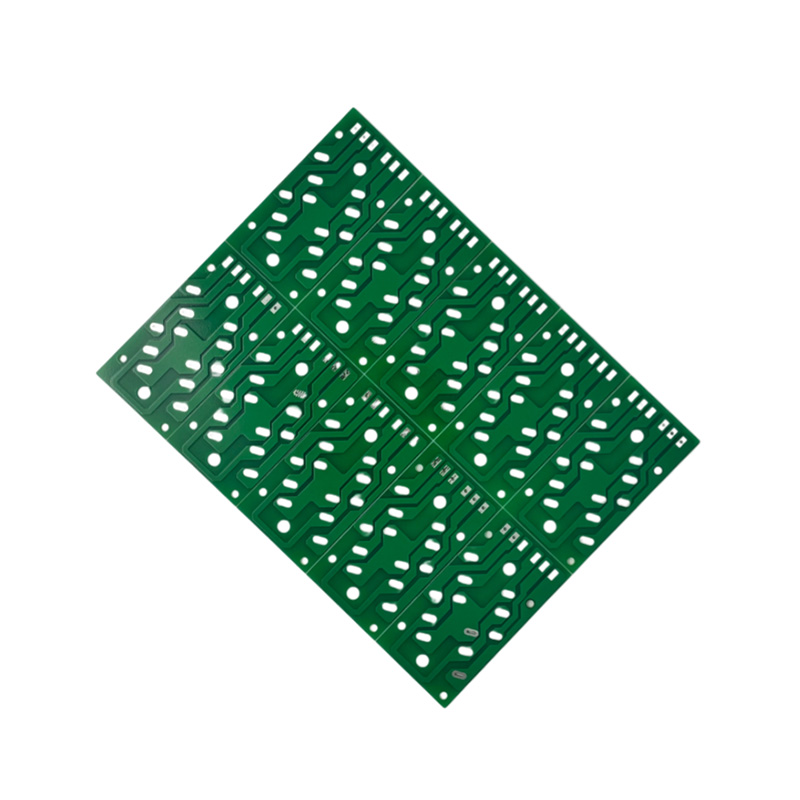
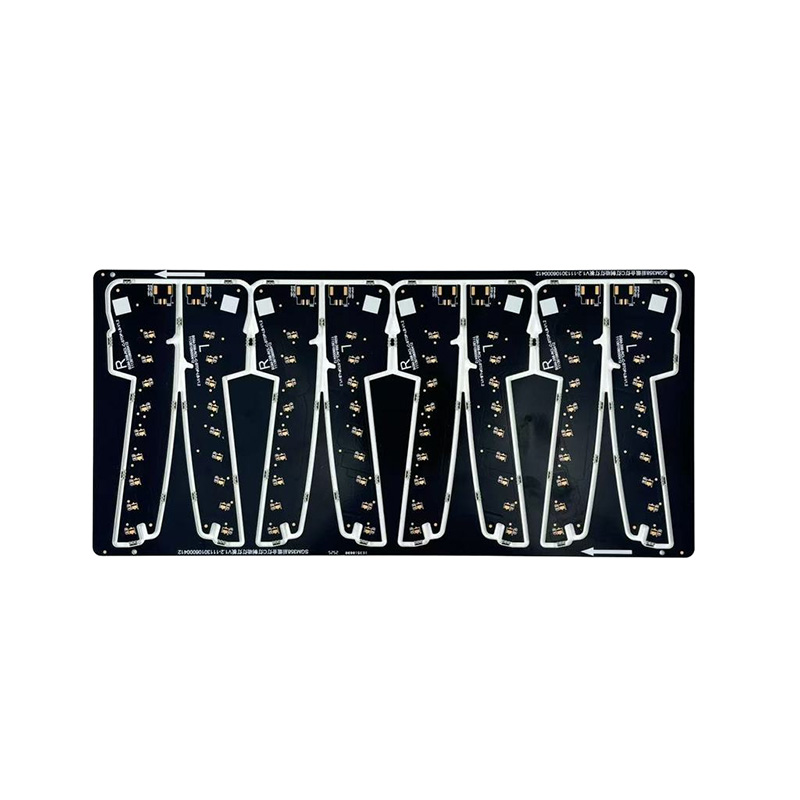 Single-Sided OSP PCB BoardSingle-sided OSP PCBs utilize an organic solderability film (OSP) surface treatment, which is environmentally friendly and non-toxic. They offer highly flat pads, maki...View Product →
Two layers give you a continuous ground plane on one side, which is the biggest noise and signal-quality improvement available for very little money. If your design includes a switching regulator, an SPI bus, or a crystal, start at two layers.
Move to Four Layers When Routing or Noise Demands It
Four layers stop being a luxury when signal density or clock speed rises. The standard beginner-friendly arrangement is signal, ground, power, signal: every trace gets a continuous reference plane directly beneath it, which removes most of the return-path guesswork that plagues two-layer layouts.
| Stackup | Typical first use | Routing room | Relative cost | Fabrication note |
|---|---|---|---|---|
| Single-sided | Timers, sensor breakouts, one-rail power | One copper side; links where traces cross | Lowest | No via plating; easiest to rework |
| Two-layer | Motor drivers, LED controllers, small modules | One ground plane plus one signal side | Moderate | Prototypes can ship in about a day |
| Four-layer | Fast clocks, switching regulators, fine-pitch parts | Dedicated ground and power planes | Highest of the three | Adds 9 to 20 days for a 4-8 layer batch |
The step from two layers to four is real but usually smaller than people fear, and it buys a quieter board with far less layout time. A standard four-layer build with green solder mask and an OSP finish is where many first serious designs end up.
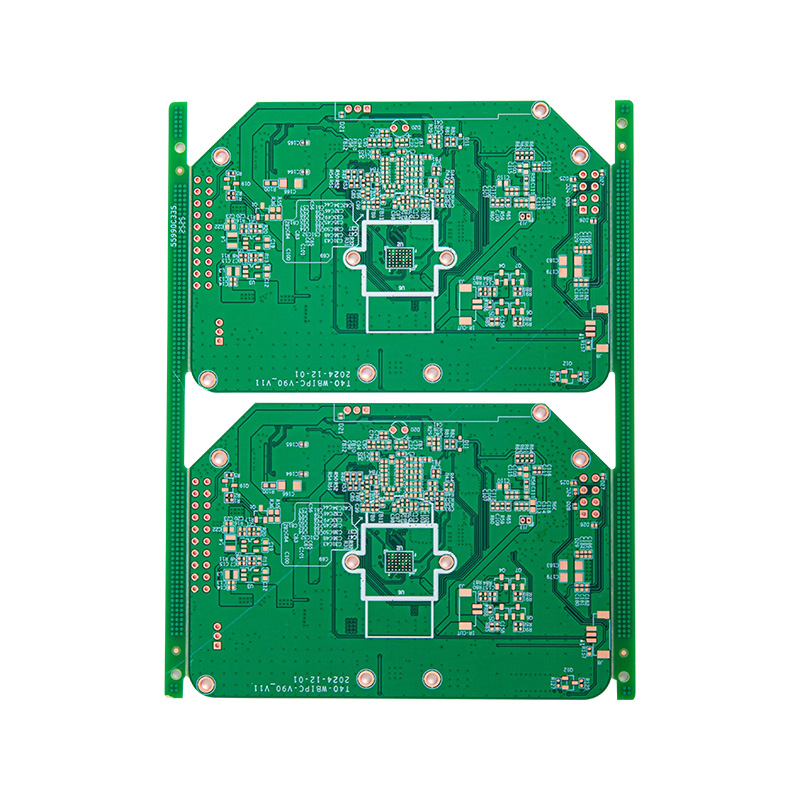 4 Layers Green OSP PCBFour-layer double-sided green OSP boards, using high-Tg FR-4 substrate and environmentally friendly OSP (organic soldering flux) surface treatment process, the green s...View Product →
Place Components Before You Route Anything
Placement decides most of your routing difficulty. Beginners often place parts roughly, start routing, and only then discover that a connector has to move.
- Place connectors, switches, LEDs, and mounting holes first, because the enclosure decides where they go.
- Add parts with mechanical constraints next: crystals, antennas, heatsinks, anything with a keep-out area.
- Put each decoupling capacitor as close as possible to the power pin it serves, on the same side if space allows.
- Arrange the remaining components so the connections between them stay short, then begin routing.
Keep copper at least 0.3 mm from the board outline unless the fabricator states otherwise, and remember that V-scored or routed edges remove material after assembly. Do not bury a test point under a tall part, and leave probing room around anything you will need to measure — you will measure it.
Size Traces From Current, Not From Habit
Trace width is a thermal decision before it is anything else. A trace that is too narrow for its current heats up, and that temperature rise — not the current alone — is what eventually damages laminate or a solder joint.
IPC-2221 curves sit behind nearly every online trace-width calculator, and the pattern is simple: width grows faster than current. Moving from 1 A to 2 A on the same copper thickness multiplies the required width by roughly 2.6, not by two. Inner-layer traces also run hotter because laminate traps heat, so an inner trace needs about 2.6 times the width of its outer-layer equivalent.
| Current | 1 oz outer layer | 1 oz inner layer | Typical use |
|---|---|---|---|
| 0.5 A | 5 mil (0.13 mm) | 13 mil (0.33 mm) | Sensor and logic rails |
| 1 A | 12 mil (0.30 mm) | 31 mil (0.79 mm) | Small regulators, motor logic |
| 2 A | 31 mil (0.79 mm) | 80 mil (2.0 mm) | 5 V rails, LED strings |
| 3 A | 54 mil (1.37 mm) | 140 mil (3.6 mm) | Power entry, DC jacks |
Treat those figures as minimums for temperature only. Voltage drop, controlled impedance, and fusing current all push widths higher.
When a design genuinely carries current, copper weight and surface finish become layout decisions rather than purchasing details. Two ounces of copper roughly halves every width in the table, and a lead-free soldered finish, such as the one used on a double-sided lead-free board built for power and automotive electronics, is worth specifying early because it changes both the process and the surface you will solder to.
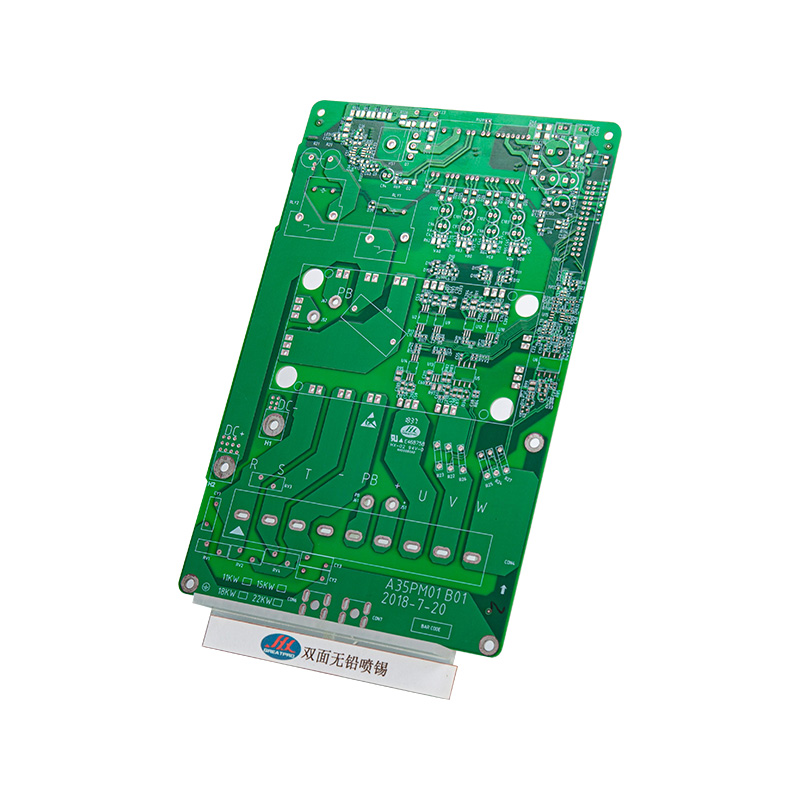 Double-Sided Green Lead-Free Soldered PCB For Power & Automotive ElectronicsDouble-sided green lead-free tin-plated board. The thick metal barrier formed by the tin coating has excellent heat dissipation performance and the ability to handle l...View Product →
Geometry matters too. Route at 45 degrees rather than 90, keep high-current loops physically small, and run signal traces over unbroken ground wherever the stackup allows it.
Run DRC Against the Fabricator's Real Limits
Design rule checking is not a formality saved for the end. Set your rules from the fabricator's published capability before you start, then run the check after placement and again after routing.
Multilayer factories can hold 3/3 mil line width and spacing — a 6-layer gold-plated board at that geometry is routine production for many of them — but designing at 6/6 mil costs a slow first board nothing in performance and leaves margin against etch variation and cheaper quotes.
Before exporting, clear these checks:
- Unconnected and single-pad nets, which usually mean a schematic symbol was never wired.
- Clearance violations between traces, pads, and copper pours.
- Silkscreen printed over exposed pads, which interferes with solder paste.
- Annular rings and drill sizes below the fabricator's minimum.
- Overlapping or duplicated pads, often left behind when a footprint is edited.
Then export Gerbers in RS-274X format, one file per layer, plus an NC drill file in matching units and a short text note listing layer count, board thickness, copper weight, surface finish, and any impedance requirements. Every question a fabricator has to ask you adds a day to the quote.
What to Send, and What Comes Back
Production is quick once the files are correct. Standard lead times for a straightforward board look like this:
- Single-sided and double-sided large batches: 6 to 7 days
- 4 to 8 layers: 9 to 20 days
- 10 to 16 layers: 20 to 25 days
- 16 to 32 layers: 25 to 45 days
- HDI boards: within 25 days
- Double-sided prototypes: as fast as 24 hours
Price is driven by size, layer count, copper weight, finish, quantity, and how hard you push the tolerance. Certifications show which markets a factory can serve: ISO 9001, ISO 14001, and ISO 45001 cover general quality, environmental, and safety management, while IATF 16949 matters when the board ends up in a vehicle and UL matters when the finished product is sold in North America. Reading the service page of a prospective supplier before you lock the Gerbers tells you what tolerances and finishes they run every day, which is more useful than the minimums printed in a capability table.
If you take one sequence away from this article, make it this one:
- Draw the schematic and verify every footprint against a datasheet.
- Choose the lowest layer count that carries your signals, and add a ground plane as soon as you move to two layers.
- Place connectors, mounting holes, and decoupling capacitors before routing anything.
- Size power traces from a current table and keep current loops short.
- Run DRC, export RS-274X Gerbers with an NC drill file, and send the package with a written stackup note.
Then order a small prototype quantity, power it up slowly, and write down what you would change. The second board is always better than the first, and the fastest way to learn PCB design is to finish one.

 LET'S CREATE THE FUTURE TOGETHER

Contact Us Anytime
Copyright © Anhui Hongxin Electronic Technology Co., Ltd. All Rights
Reserved.
privacy
Wholesale Printed Circuit Board Suppliers, Manufacturers

