


 English
  Español
  Français
PCB Layout Guide: Component Placement, Routing, Stackups and Design Rules
PCB layout is the point where an electronics idea stops being abstract and starts becoming an object. We are Anhui Hongxin Electronic Technology, a printed circuit board manufacturer in the Guangde Economic Development Zone, Anhui, and our working day is spent turning other people's layout files into boards that can actually be etched, drilled, plated and assembled. That gives us a practical view of the subject: a layout is not finished when the software stops complaining, it is finished when the board runs through the factory without surprises.
This guide covers what PCB layout involves, where the hard decisions happen, and how to keep a design inside the process window of the fab that will build it. None of it requires an expensive toolchain, and most of it comes down to doing things in the right order.
Content
- 1 What PCB Layout Actually Covers
- 2 A Practical PCB Layout Workflow
- 3 Placement Comes First, Routing Comes Second
- 4 Routing, Impedance and Return Paths
- 5 Choosing a Stackup Your Fabricator Can Build
- 6 High-Density Layout: HDI, Fine Lines and Via Structures
- 7 Layout Mistakes We See Most Often
- 8 From Bare Board to Assembled Product
- 9 Working With Your PCB Partner Early
What PCB Layout Actually Covers
Layout is the physical half of PCB design. The schematic decides which pin connects to which net; the layout decides where those connections physically live, including footprints, copper traces, planes, vias, solder mask openings and silkscreen legends. On a two-layer board that is a small puzzle. On a sixteen-layer board it is a system-level engineering task with thermal, mechanical and electromagnetic consequences.
Schematic versus layout
A clean schematic can still produce a board that oscillates, overheats or cannot be manufactured. A modest circuit placed and routed with care will usually behave better than a sophisticated one that was rushed, which is why experienced designers spend more time on placement and stackup than on drawing traces.
Why layout decides cost and reliability
Three numbers are largely settled here and rarely change later: unit price, first-pass yield, and whether the product passes EMC testing on the first attempt. Layer count, board size, minimum drill size and surface finish feed straight into the quotation, while spacing rules and copper balance determine how comfortably the design fits the fabrication process.
A Practical PCB Layout Workflow
Tools differ, but the sequence is stable across consumer gadgets, industrial controllers and medical instruments. Skipping steps usually costs more time than it saves.
- Review the schematic: confirm nets, check pin assignments, and flag anything that needs controlled impedance.
- Fix the mechanical envelope, because the board outline, mounting holes and connector positions come from the enclosure rather than from the layout.
- Define the stackup, treating layer count, material, copper weight and surface finish as one decision instead of four.
- Place the critical parts first: connectors, the processor, power stages, crystals and anything with a thermal pad.
- Route power and ground, then signals, fastest first, keeping return paths continuous.
- Run design rule checks against the fab's real capability, then export Gerbers, drill files and a clear bill of materials.
If you want a closer look at the drawing stage and the faults that surface afterwards, our PCB layout, schematics and troubleshooting guide covers the same ground from a fabrication point of view.
Placement Comes First, Routing Comes Second
Ask a designer who has spent ten years on dense boards what they would fix first, and the answer is nearly always placement. Good placement turns routing into a formality; poor placement turns it into a week of via gymnastics.
- Lock the mechanical parts first, since connectors, switches and holes are constraints rather than variables.
- Group components by function and put each group where its signal or power enters the board.
- Keep decoupling capacitors within a few millimetres of the pin they serve, with a short, wide connection to ground.
- Orient parts consistently so pick-and-place is fast and reflow defects are fewer.
- Reserve test points and keep them probe-accessible instead of buried under a component.
When a layout feels stuck, moving three or four components is often more productive than routing an extra layer.
Routing, Impedance and Return Paths
Routing is where layout becomes electrical engineering rather than drawing. Trace width follows current and acceptable temperature rise, not habit: a 10 mil trace is comfortable for a logic signal and far too thin for a motor driver supply rail. Controlled impedance lines need a continuous reference plane directly beneath them, and that plane must not be sliced apart by unrelated routing.
- Keep loop area small, because return current follows the path of least impedance, usually the plane directly under the trace.
- Never cross a plane split with a fast signal, or you have simply built an antenna.
- Stitch ground planes together around the perimeter on mixed-signal boards, and treat 3W spacing as a sensible default for sensitive parallel lines.
Choosing a Stackup Your Fabricator Can Build
Stackup planning is where layout meets manufacturing, and it deserves an early conversation with the fab. FR-4 covers most work, aluminium and metal-core substrates handle heat, ceramic and high-frequency laminates handle RF, and heavy copper carries current. The table below lists the stackups we build most often and the layout habits that keep them running smoothly.
| Layers | Typical use | Layout considerations | Batch lead time |
|---|---|---|---|
| 1 to 2 | Power supplies, simple controls, displays | Wide traces, generous clearance, single-side placement where possible | 6 to 7 days |
| 4 to 6 | Consumer devices, industrial control, automotive lighting | Solid ground plane, controlled impedance on fast nets | 9 to 20 days |
| 8 to 16 | Dense digital boards, communication and computing hardware | Split planes, symmetric stackup, planned via types | 20 to 25 days |
| 16 to 32 | High-reliability and heavy copper builds | Copper balance, drill planning, impedance control per layer | 25 to 45 days |
| HDI | Fine-pitch BGA, compact modules, wearables | Microvia rules, via fill and capping, laser drill limits | 25 days or less |
Surface finish belongs to the same decision. OSP suits flat, cost-sensitive boards with a short shelf life, ENIG and hard gold suit fine-pitch parts and repeated mating, and lead-free hot air solder levelling remains a robust, economical choice for through-hole-heavy assemblies. A six-layer board with 3 mil lines, 3 mil spacing, gold plating and a solid ground plane is the kind of workhorse build that appears again and again in industrial and automotive projects.
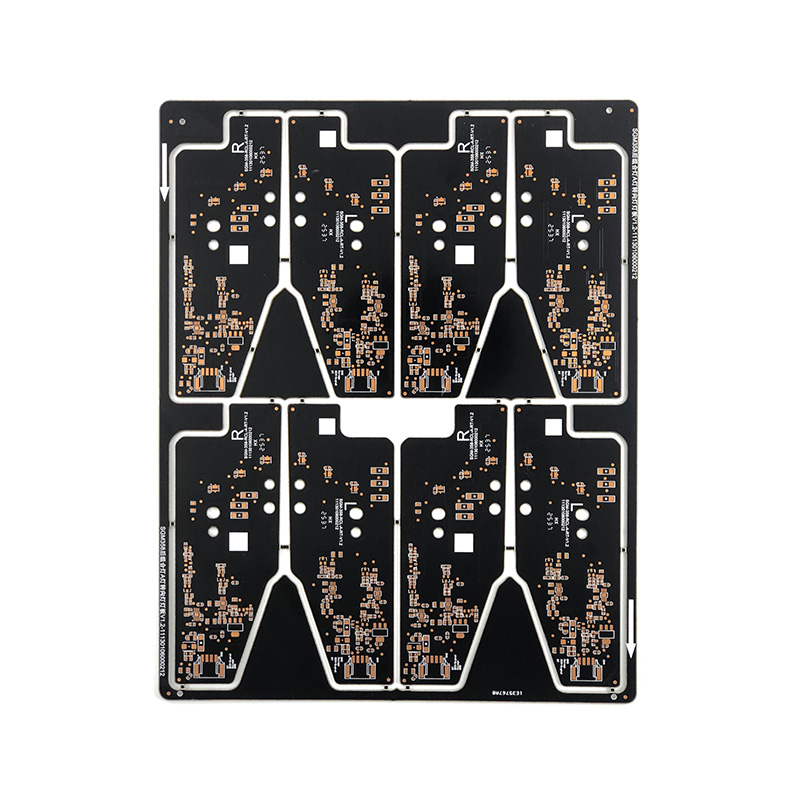
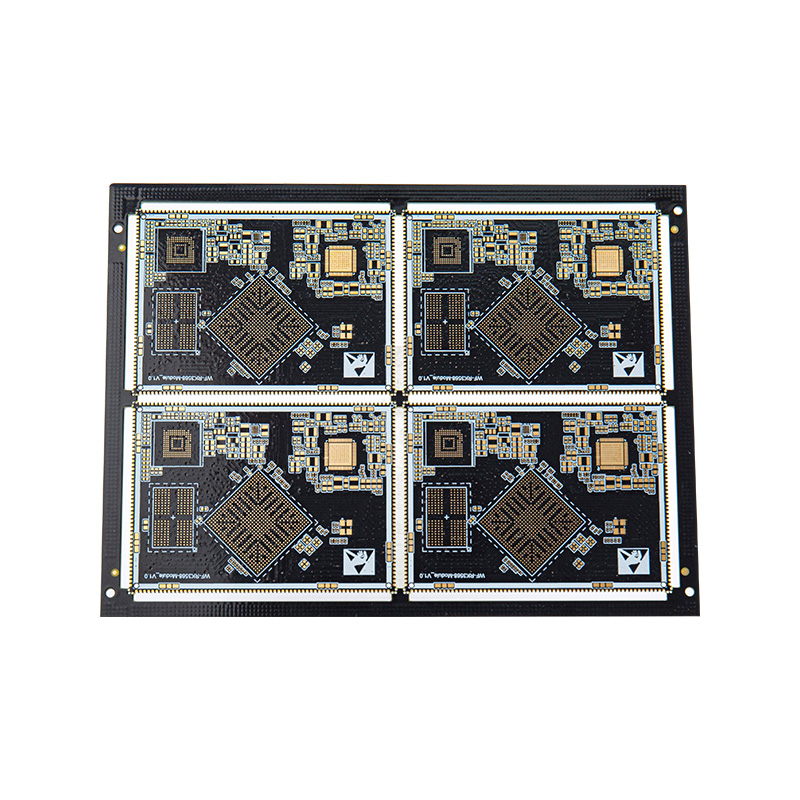 6-Layer Gold-Plated PCB with 3/3 Mil TracesA six-layer gold-plated board supporting 3/3 mil lines and BGA, suited to industrial, automotive and high-frequency layouts where reliable signal transmission matters.View Product →
High-Density Layout: HDI, Fine Lines and Via Structures
Once ball pitches drop below 0.5 mm and board area is fixed, conventional through-holes stop being practical and HDI becomes the answer. Microvias, buried vias and stacked structures let you escape a fine-pitch device without consuming every routing channel. The rules change with them, because microvia diameter, capture pad, dielectric thickness and via fill depend on laser drilling and plating capability rather than on a design tool's defaults.
High-density layouts also punish poor planning. Keep the reference plane uninterrupted under the escape region, fill and cap via-in-pad for reliable assembly, and plate the thermal vias beneath power devices. A two-layer, six-level HDI board shows how much routing freedom the right via strategy buys.
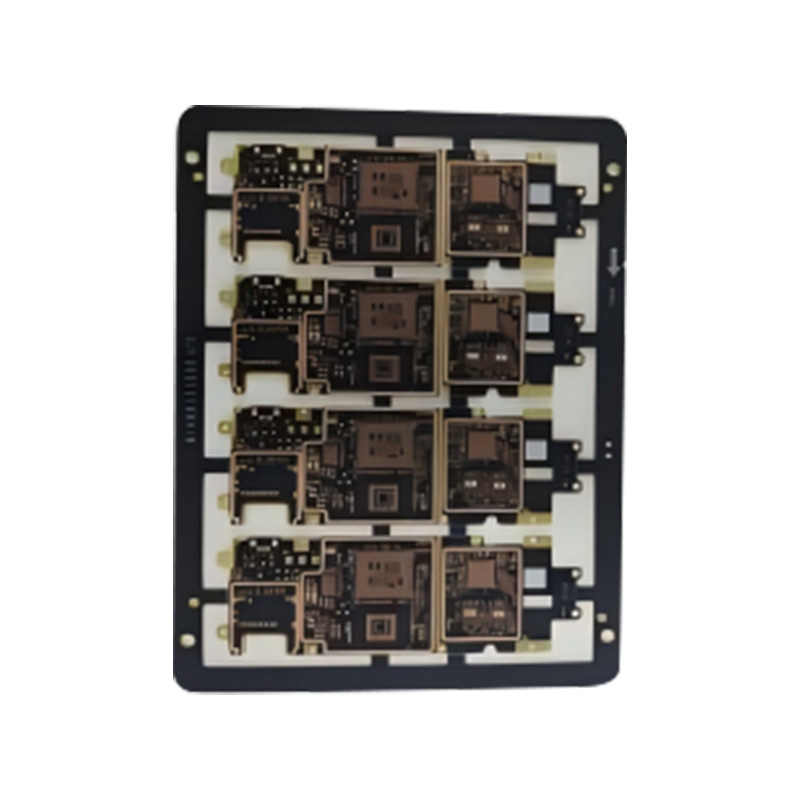 2-Layer 6-Level HDI PCB for High-Density InterconnectsA two-layer, six-level HDI board using microvias and 3 mil lines to support 0.3 mm BGA escape and compact, high-frequency designs.View Product →
Layout Mistakes We See Most Often
After enough bare boards pass through a fab, patterns appear. These are the ones that cost our customers the most time.
- Too few ground vias between planes, raising impedance exactly where it matters most.
- Silkscreen printed over pads, which disturbs solder paste deposition.
- Thermal relief spokes too thin for the copper weight being ordered.
- Drill sizes or annular rings below what the fab can hold reliably.
- Unbalanced copper across layers, which returns later as board warpage.
- Freezing the design before a DFM review, then requesting changes after tooling has started.
None of these are exotic, and all of them are cheap to fix during layout.
From Bare Board to Assembled Product
Layout does not end at the copper. If the board will be assembled, the paste layer, component courtyards and thermal pads are part of the design as well. Paste apertures decide how much solder lands on a pad, courtyards decide whether the placement machine can fit a nozzle between parts, and thermal pads without enough vias will reflow badly no matter how good the stencil is. Most of our customers use us for fabrication and assembly together, which lets both sets of rules be checked before production starts. The same logic applies across consumer, power, appliance, industrial, medical, automotive and military products, and you can see the applications we build for for a sense of the range.
Automotive work is a good example: quality management certified to IATF 16949, lead-free finishes, and a layout that assumes vibration and thermal cycling are part of normal life.
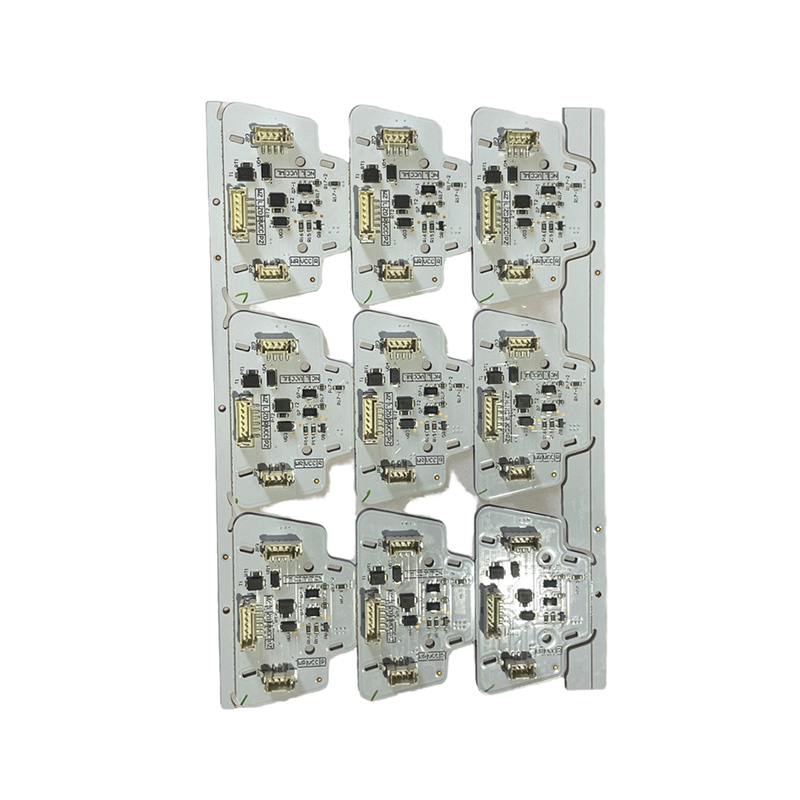 Automotive LED Lighting PCBA with AEC-Q100 ReliabilityA high-reliability automotive lighting board with thermal and vibration resistance, supporting LED driving, adaptive high beam and dynamic turn-signal functions.View Product →
Working With Your PCB Partner Early
The cheapest improvement to any layout process is an early conversation with the fabricator. Before the design is frozen, we can confirm minimum drill and trace widths, copper-to-edge clearance, the stackup and finish you plan to order, and whether your panel size is wasting material. Reviewing files is part of our engineers' daily work, and with more than fifteen years of experience behind several of them, they tend to spot the awkward details quickly.
Speed matters too, and knowing the numbers early makes stackup trade-offs easier. A double-sided prototype can leave us within 24 hours, single and double-sided batch orders typically ship in six to seven days, four to eight layer orders in nine to twenty days, and HDI builds in about twenty-five days.
If you take one thing from this guide, let it be the order of operations: placement, stackup, power, signals, checks. Boards built in that sequence are easier to manufacture, easier to assemble and easier to approve for production. If you have a layout in progress and would like a second pair of eyes before you release the Gerbers, send us the files. We would rather catch a clearance issue during review than on the drill floor.
Recommended Products

 LET'S CREATE THE FUTURE TOGETHER

Contact Us Anytime
Copyright © Anhui Hongxin Electronic Technology Co., Ltd. All Rights
Reserved.
privacy
Wholesale Printed Circuit Board Suppliers, Manufacturers

