


 English
  Español
  Français
How to Make a Circuit Board: From Home Prototyping to Factory Production
Building your own circuit board is one of those skills that pays you back for the rest of your electronics life. It turns a tangle of jumper wires on a breadboard into something you can screw into an enclosure and actually trust. We have been fabricating printed circuit boards since 2013, and we still get a kick out of seeing a first-time board come out of the etch tray with clean traces on it. If you are learning the craft at home, here is the honest version: how the three common home methods work, what each one really costs you in time, and the point where handing the job to a fabrication house is simply the smarter move.
Content
- 1 Before You Touch Copper: Schematic and Layout
- 2 Three Ways to Make a Circuit Board at Home
- 3 Etching, Drilling, and Finishing
- 4 Comparing the Three Home Methods
- 5 When Home Fabrication Stops Making Sense
- 6 What a Professional Fabrication House Adds
- 7 When Two Layers Are Not Enough
- 8 Mistakes That Ruin First Boards
- 9 Frequently Asked Questions
Before You Touch Copper: Schematic and Layout
Every board starts as a drawing, not as a piece of copper-clad laminate. Skipping this step is the most common reason a first board fails.
Capture the schematic first
Draw the circuit in KiCad, EasyEDA, or whatever tool you prefer, and let the software confirm that every net is connected to something. If the circuit is new to you, build it on a breadboard first. Finding out that a regulator needs a different resistor value costs you twenty minutes on a breadboard and an entire evening on a board you just etched.
Then lay out the traces
Place the connectors and any parts that must sit in a fixed spot first, then work inward. Give power traces more width than signal traces, keep the return path short, and leave pad-to-pad clearance that a hobby drill bit can actually handle. If you plan to make the board at home, design it as a single-sided board with a couple of jumper links rather than trying to align two layers by eye. Our PCB design and layout guide walks through stackup choices and the troubleshooting that follows a poor layout, and it is worth reading before you commit to a design.
Three Ways to Make a Circuit Board at Home
Toner transfer: fast and cheap
Print the layout mirrored onto glossy paper with a laser printer, clean a piece of copper-clad board with fine abrasive and acetone, then iron the print onto the copper. Soak the paper off, touch up broken traces with a permanent marker, and etch. The setup costs almost nothing and an evening is enough to finish a small board. Line quality is the limit: expect around 0.2 mm traces with practice, and expect to repair at least one gap.
UV exposure with a presensitized board
Print the layout onto transparent film, press it against a presensitized board, and expose it under UV. The exposed areas develop away and the remaining resist protects the copper underneath. Resolution is noticeably better than toner transfer, closer to 0.1 mm, and fine text and dense pads come out far more reliably. The trade-off is more equipment and stricter timing: a UV source, a developer, and a consistent process.
CNC milling: clean but fussy
A small router with a V-bit cuts the copper away along the isolation paths. No acid, no resist, no darkroom, just dust and noise, and the process repeats well once it is dialed in. The catch is bed flatness. A few hundredths of a millimeter of warp changes the cutting depth, so thin traces lift or get cut through. Milling also slows down sharply as the board gets denser.
Etching, Drilling, and Finishing
Whichever resist method you use, the last third of the job is where boards are saved or ruined. Warm the etchant slightly and agitate the tray; ferric chloride works fine at room temperature while ammonium persulfate prefers roughly 40 degrees Celsius. Pull the board the moment the last island of copper clears. Two extra minutes turns a working board into a set of hair-thin traces that will not survive soldering.
Drill with carbide bits at high spindle speed and light pressure. A slow drill snaps bits and tears pads. Use 0.8 mm for standard component leads and 1.0 mm for heavier pins. Once the holes are done, strip the resist with acetone, hold the board against a light to inspect the traces, and check for shorts with a multimeter before you solder anything. A light coat of flux or a wipe of solder over the exposed copper keeps it from oxidizing while you populate the board.
Comparing the Three Home Methods
None of these approaches is wrong; they simply suit different jobs and different tolerances for mess.
| Method | Best suited to | Practical trace width | What you need | Setup cost |
|---|---|---|---|---|
| Toner transfer | Quick single-sided prototypes | About 0.2 mm | Laser printer, iron, etchant | Very low |
| UV exposure | Finer pitch single-sided boards | About 0.1 mm | UV source, film, developer, etchant | Low to moderate |
| CNC milling | Repeat builds, chemical-free workshops | 0.15 to 0.25 mm | Router, V-bits, flat spoilboard | Moderate to high |
When Home Fabrication Stops Making Sense
Home fabrication works beautifully for single-sided boards with through-hole parts and generous spacing. It starts to hurt the moment you need plated through-holes, because a via made at home is a wire you have to solder on both sides of the board. Double-sided boards demand registration tighter than the eye can manage, and solder mask, silkscreen, and a proper surface finish are effectively out of reach at the kitchen table.
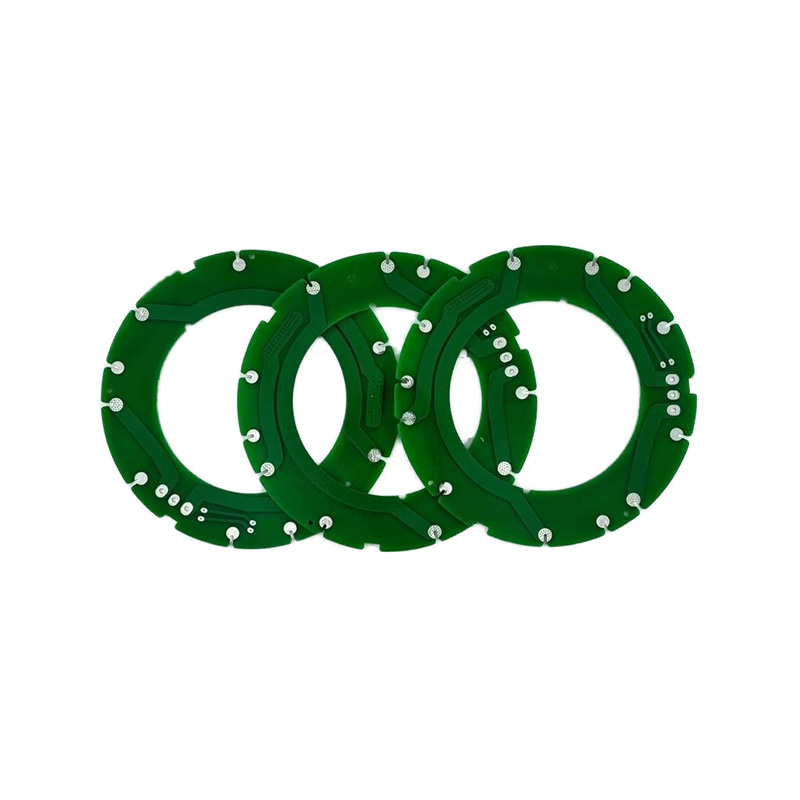
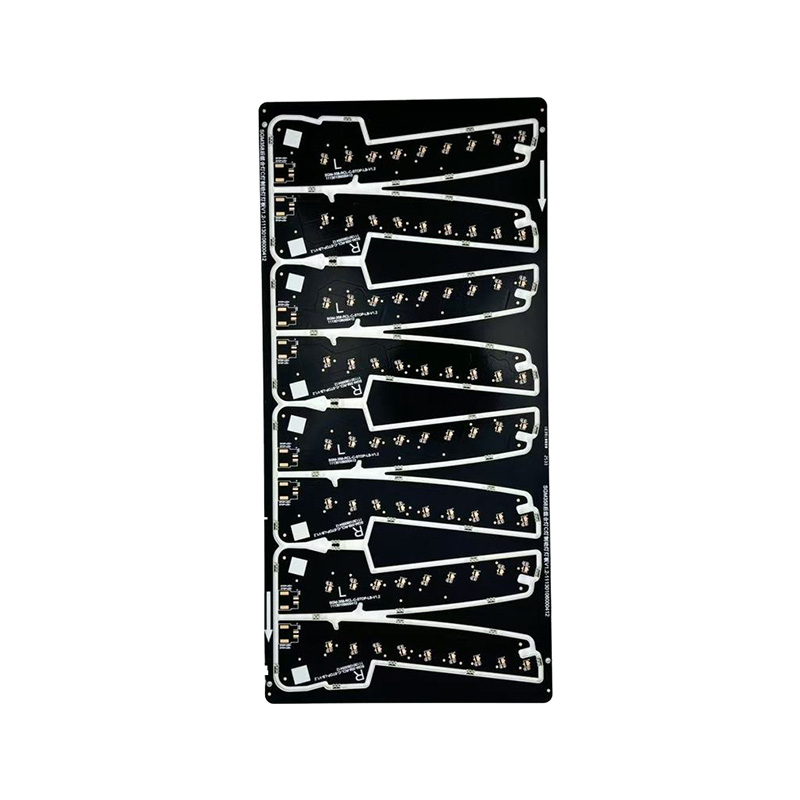
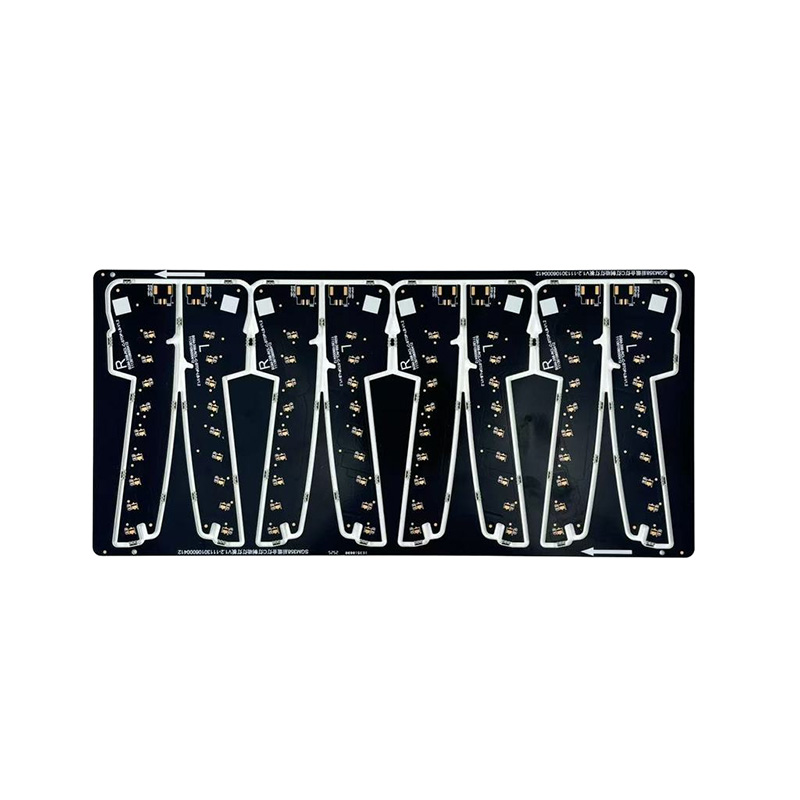 Single-Sided OSP PCB Board with Aluminum SubstrateSingle-sided OSP PCB with aluminum base, 1.0mm thickness, and flat pads; suited to repeat builds needing consistent solderability and no oxidation worries.View Product →
If a design has settled into something you will build more than once, a single-sided board with an OSP finish is the natural next step. There is no oxidation to worry about, it solders straight out of the bag, and every copy behaves the same way as the one before it.
What a Professional Fabrication House Adds
Once a design leaves the workshop, the list of things a fab house brings is long: drilled and plated vias, accurate two-sided registration, controlled impedance, automated optical inspection, electrical testing, and surface finishes selected for the assembly process rather than for whatever happens to be in the drawer.
It also changes the arithmetic on time. A simple double-sided prototype can be turned around quickly, and batch orders for single- and double-sided boards typically run about a week, so prototyping and production stop competing for the same evenings. If you would like to see how that flows end to end, our fabrication and assembly service page covers the steps from Gerber review to final inspection.
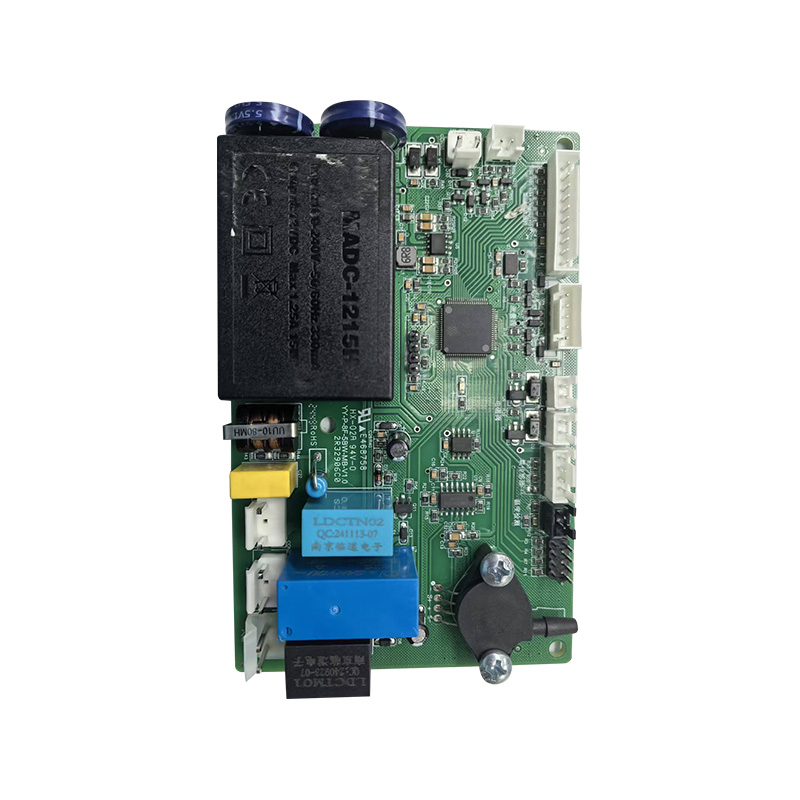
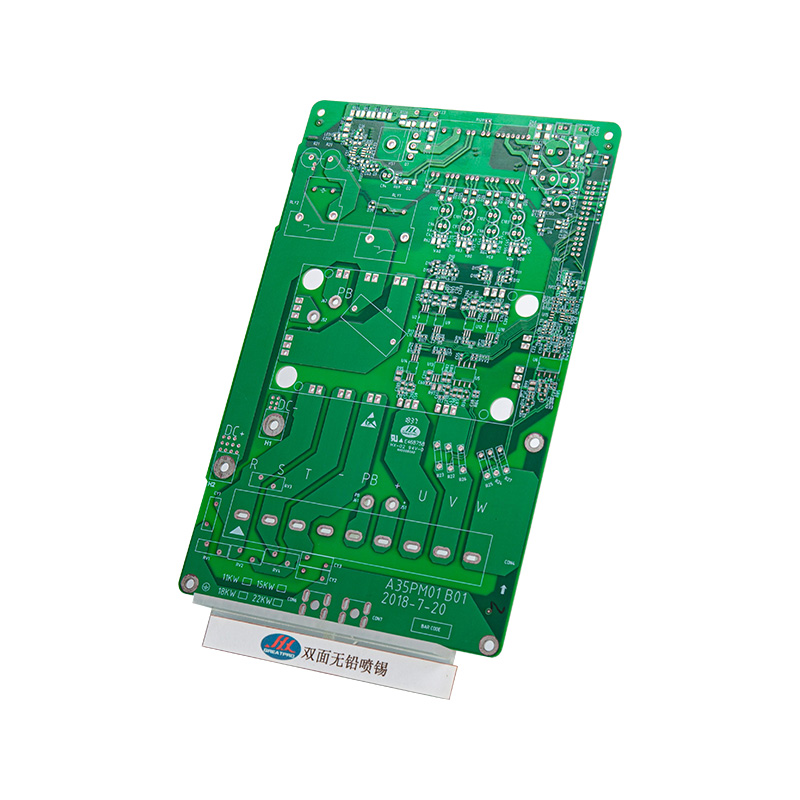
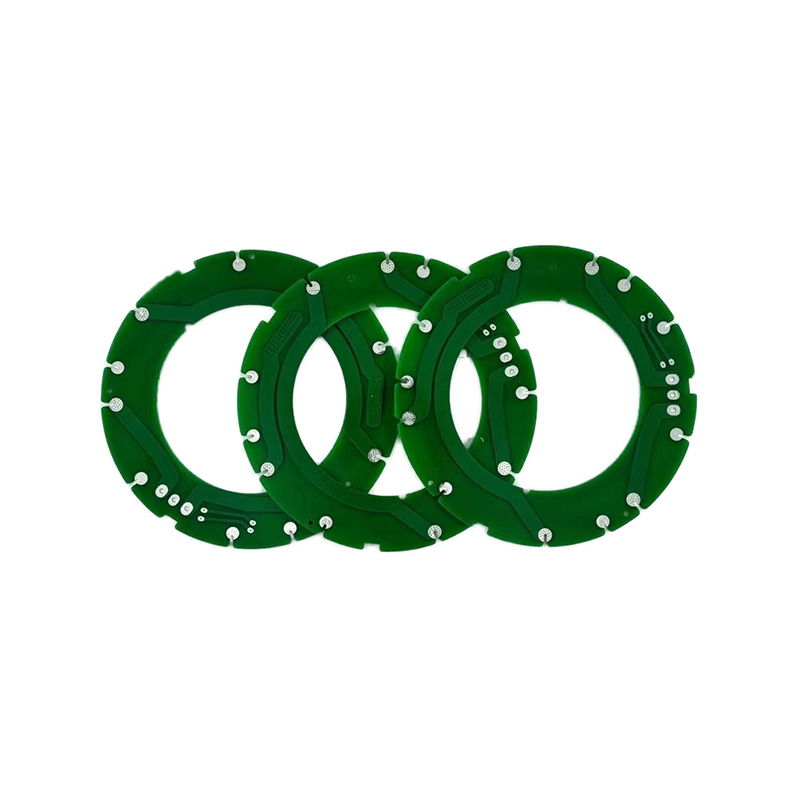 Double-Layer Green Lead-Free PCB for Industrial Power EquipmentA double-sided FR-4 board with green lead-free mask, uniform solder layer, and large-current support for industrial equipment and automated assembly.View Product →
When Two Layers Are Not Enough
There is a point where routing simply will not fit. Dense digital designs, multiple power rails, and anything with a fine-pitch package usually want four layers, where an internal ground plane solves return paths that no amount of careful single-layer routing can manage. Multilayer boards also make controlled impedance traces practical, which is why high-speed interfaces so often misbehave on two layers.
This is where the home bench has to hand over. Four-layer boards involve laminated cores, registration across every layer, and plated holes, a stack of processes that only make economic sense on a fabrication line.
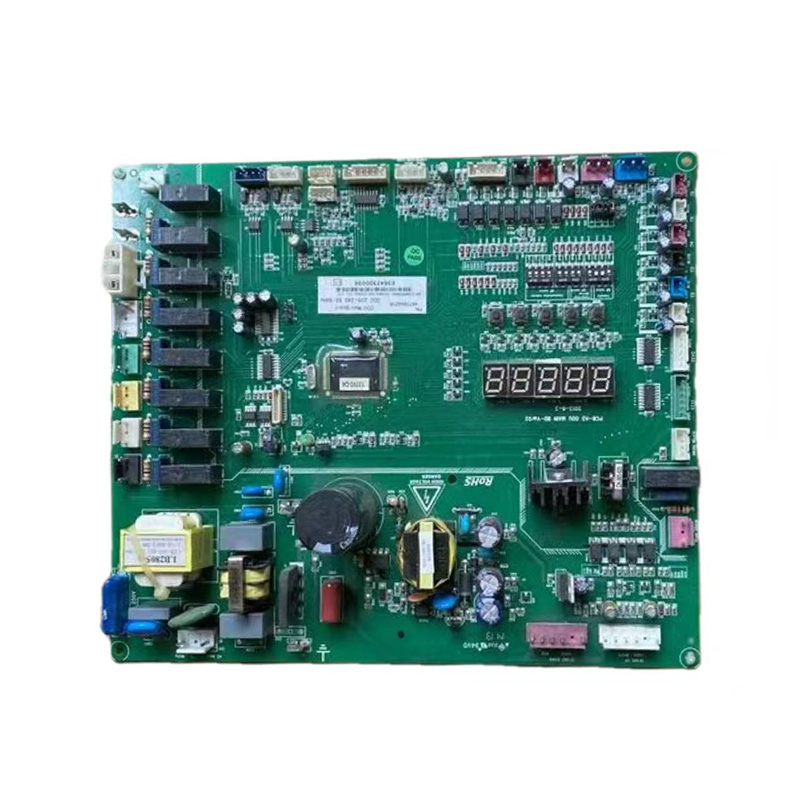
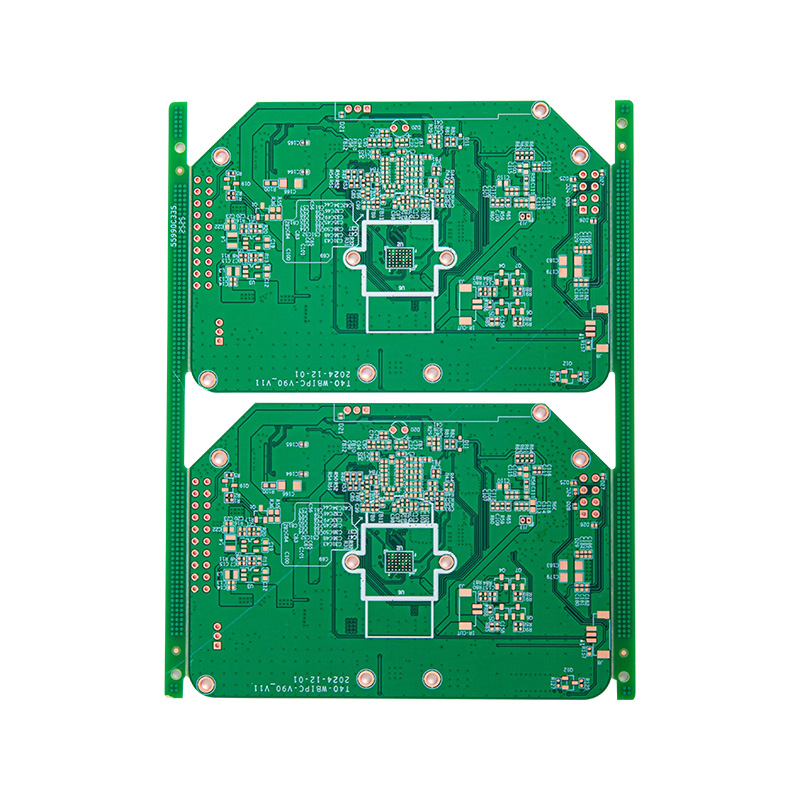 4-Layer Green OSP PCB for Industrial and Automotive UseHigh-Tg FR-4 four-layer board with OSP finish and green mask, suited to automated SMT, industrial control, security, and automotive modules.View Product →
Mistakes That Ruin First Boards
- Skipping the cleaning step. Fingerprints and oxide stop the resist from sticking, and the etchant creeps under the edges.
- Over-etching. Check the board every thirty seconds instead of leaving it in the tray and walking away.
- Attempting two-sided boards too early. Alignment by eye rarely beats 0.3 mm on a first try.
- Drilling at low spindle speed. Slow drilling tears pads and snaps carbide bits.
- Soldering before testing. A five-second continuity check saves a fully populated board from the scrap bin.
Frequently Asked Questions
Can I make a double-sided circuit board at home?
You can, using registration pins and careful alignment, but yields are low and plated vias are not possible without plating equipment. Most makers use wire links for the few crossings they need, then move to a fab house once the design grows.
What is the cheapest way to make a circuit board?
Toner transfer. A laser printer, glossy paper, a household iron, and ferric chloride cover the whole process, and the total outlay is small enough that most people start there.
How fine can home-made traces be?
With toner transfer, about 0.2 mm is realistic. UV exposure gets closer to 0.1 mm. Below that you need photo tools, tight process control, and a clean environment, which is a fabrication house job.
Learning how to make a circuit board by hand teaches you more about copper, resist, and tolerances than any datasheet ever will, and those instincts stay useful long after you stop mixing etchant. When your designs eventually outgrow the tray, that is not a failure. It is the normal path from prototype to product, and it is a path we walk with customers every week.

 LET'S CREATE THE FUTURE TOGETHER

Contact Us Anytime
Copyright © Anhui Hongxin Electronic Technology Co., Ltd. All Rights
Reserved.
privacy
Wholesale Printed Circuit Board Suppliers, Manufacturers

